Multimedia Card SSDs

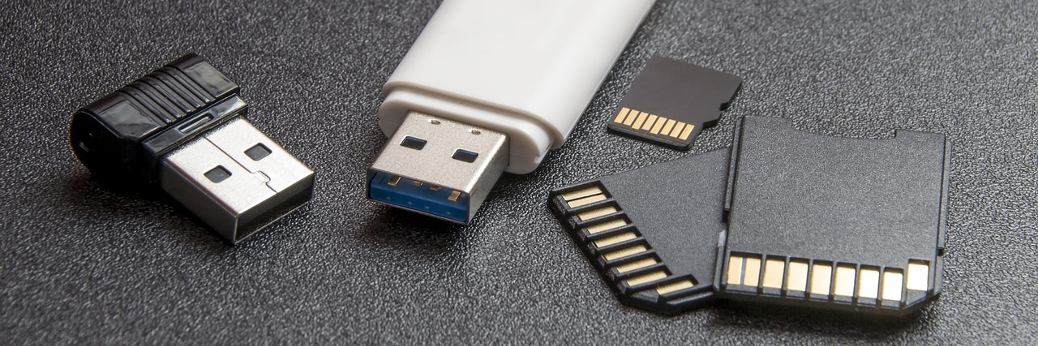
A different variation on solid state drives – Multimedia Cards
In addition to the examples from the previous post, SSDs come in a number of other formats and flavours.  The majority of these other formats are often used in devices that are external to personal computers such as mobile phones and digital cameras. Continue reading “Multimedia Card SSDs”

Solid State Drives (SSDs) & ‘Flash Drives’

An introduction to solid state and ‘flash’ drives.

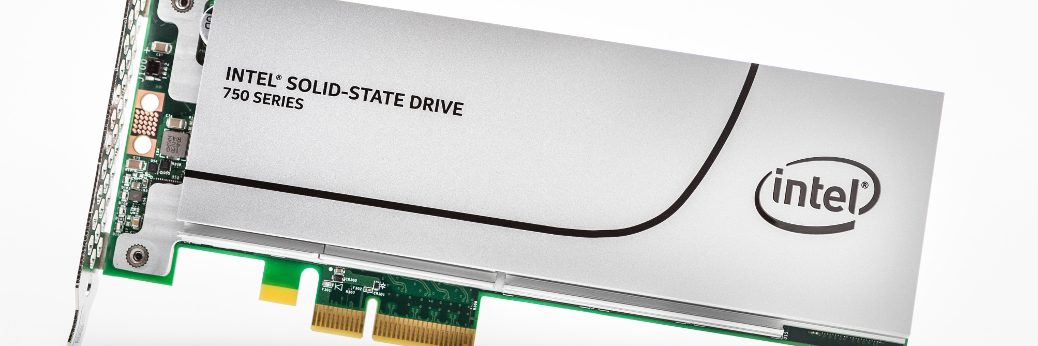
Solid State Drives (SSDs) retain data in a special type of memory as an alternative to using disk or tape storage.  This method of data storage is known as Flash technology and uses non-volatile memory in order to emulate other mechanical storage (e.g. a HDD).   Continue reading “Solid State Drives (SSDs) & ‘Flash Drives’”

Blog News – A Small Change

The first SpenceTecUK.com news post – plans and ideas

Welcome to my first short ramble about ideas, plans or changes that I have in mind, or have started implementing on the blog.  I don’t have any consistency mapped out with these, so they’re likely to be fairly ad-hoc.  In the mean time though… Continue reading “Blog News – A Small Change”

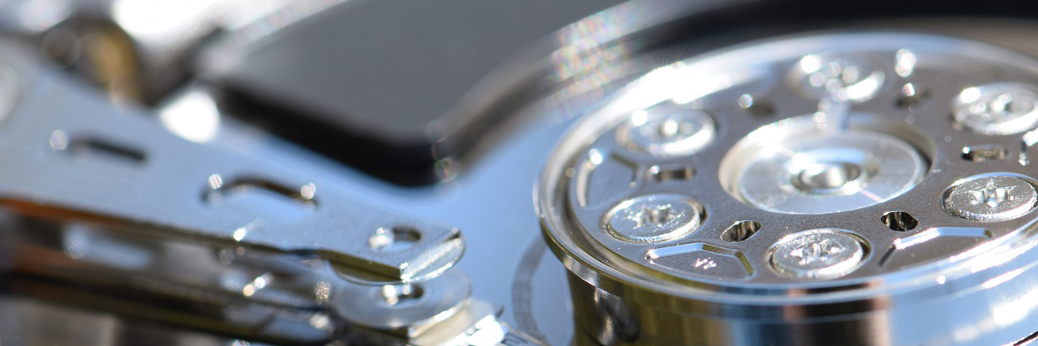
Hard Disk Drives (HDDs)

Details about the design and operation of hard disk drives

Possibly the PC component with the greatest variety of types and styles is the storage device.  Unsurprisingly, storage devices contain all of the data that we, as users, enter into a computer system, keeping it there until we need to access, edit or update it at a later stage. Continue reading “Hard Disk Drives (HDDs)”

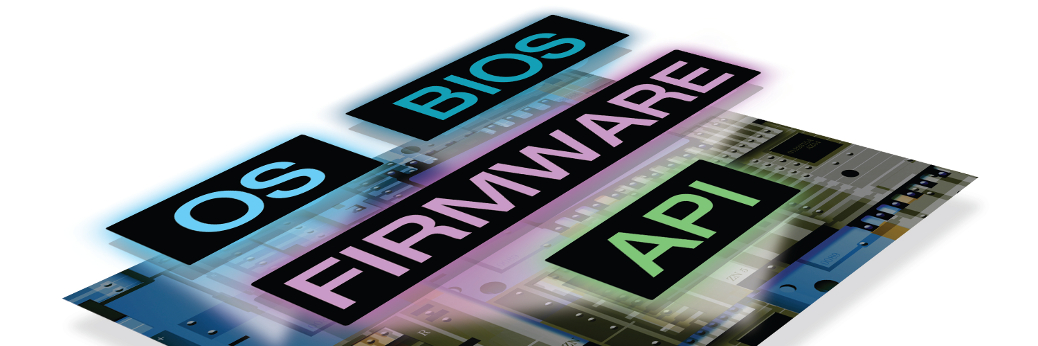
Firmware, BIOS, UEFI & POST

Descriptions and roles of firmware, the System BIOS, UEFI and POST

As you may have guessed from the title, there’s a fair amount of shortened abbreviations in this post while we look into some of the operations that take place while the computer boots up.  Much of the information needed to carry out these tasks is held within a ROM chip, which I looked at in my previous post. Continue reading “Firmware, BIOS, UEFI & POST”

A Bit About Memory – ROM & RAM

The differences between volatile and non-volatile memory.

As I mentioned in a previous post about the various components of a computer system, computer memory provides a temporary workspace for the CPU to be able to carry out the various tasks required of it. Continue reading “A Bit About Memory – ROM & RAM”

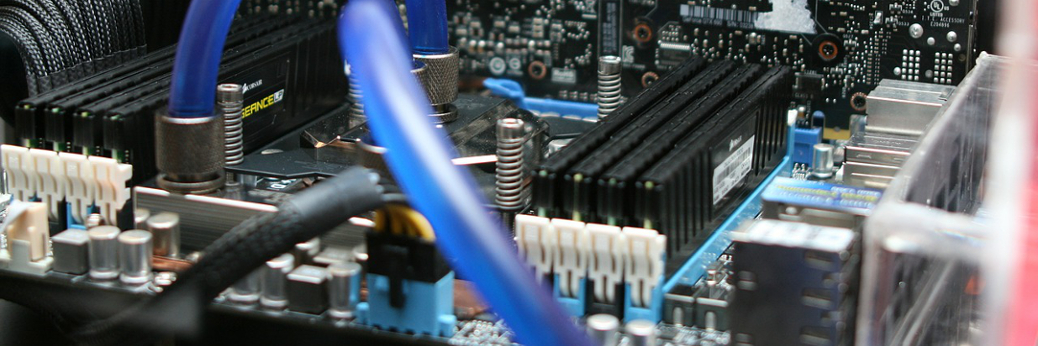
The Components of a System Unit

The roles of the various components that make up a computer system.

In the last couple of posts, we’ve looked at the larger, external and visible components that make up a personal computer system.  Whilst fundamental to the functionality of a PC, the parts that we are unable to see hidden inside the case, are the ones that really make a difference to how the system operates. Continue reading “The Components of a System Unit”

Computer Cases and Towers

A short look at the styles and variations of computer cases and towers.

In the previous post, I took a look at the four main categories that make up a computer system.  In the next post, I’m going to look at the components which are inside the case itself.

Before I get there, I’d just like to spend a few minutes looking at the cases which house all of the components I’ll be looking at. Continue reading “Computer Cases and Towers”

The Basics – What Makes Up A Computer

The four main categories of computer hardware and how they link to complete a computer system.

This first post covers the four main categories of PC hardware components and how they link together to complete a computer system.  Every computer system is made up of the first three categories below, with practically every system containing at least one item in the last category (Peripheral Devices). Continue reading “The Basics – What Makes Up A Computer”